Epson Event Manager vs. Apple Image Capture & ICA Driver on macOS Sequoia
Updated November 2026 · macOS 15 Sequoia & macOS 14 Sonoma
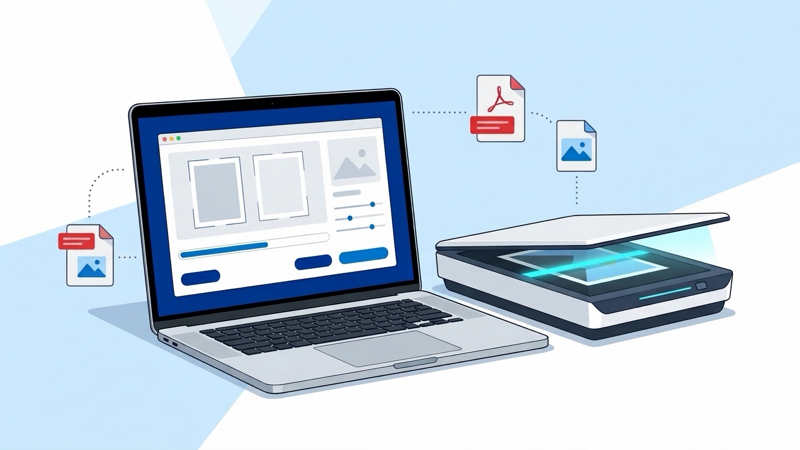
On newer consumer Epson printers and scanners running macOS Sonoma (14) and macOS Sequoia (15), Epson increasingly directs users to pair the Epson ICA Scanner Driver with Apple's built-in Image Capture or Preview (or Epson Scan 2) when Event Manager is not listed for the latest macOS release.
When to Use Epson Event Manager v2.51.94
If your Epson scanner relies on front-panel hardware buttons (such as Scan to PDF or Scan to Email) and supports Event Manager on macOS, download EM_25194_22.dmg from our Mac download page and enable Accessibility + Full Disk Access in System Settings > Privacy & Security. Follow our macOS Sequoia & Sonoma permissions guide if button events are blocked.
When to Use Epson ICA Driver + Apple Image Capture
- Install the Epson ICA Scanner Driver for your model (or use AirPrint/AirScan over Wi-Fi).
- Open Image Capture (in Applications) or Preview > File > Import from Scanner.
- Select your resolution, format (PDF/JPEG), and destination folder for reliable native scanning on Apple Silicon and Intel Macs.
Need to compare Epson's desktop utilities? Read Epson Event Manager vs. Epson Scan 2 vs. Document Capture Pro.