How to Install & Upgrade Epson Event Manager on Windows 11 Using winget
Updated November 2026 · Windows 11 (24H2/25H2 & ARM64)
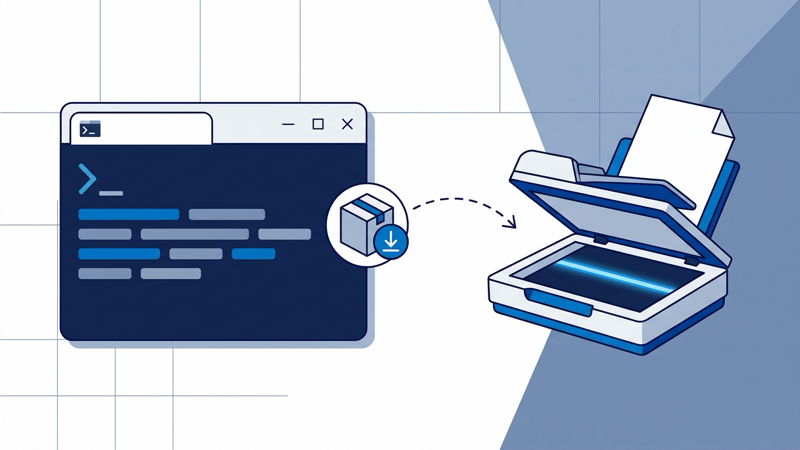
Epson Event Manager v3.11.82 is fully supported on Windows 11 (including 24H2/25H2 and ARM64 PCs via emulation). Alongside the traditional GUI installer, Windows 11 users and IT administrators can install or update the utility directly from Windows Terminal using Microsoft's built-in Windows Package Manager (winget).
1. Install Epson Event Manager via winget
Open Windows Terminal or PowerShell and run:
winget install -e --id EPSON.EventManagerThe --id EPSON.EventManager flag selects the exact official package, and -e enforces an exact case-sensitive ID match.
2. Upgrade an Existing Installation
If Epson Event Manager is already installed and you want to check for a newer build in the winget catalog, run:
winget upgrade -e --id EPSON.EventManager3. Direct Offline Installer Option
Prefer a standalone .exe installer for offline PCs or clean reinstalls? Download EventManager_31182_31_S.exe directly from our Windows download page, or read our guide on reinstalling without losing scanner settings.
winget install -e --id EPSON.EventManager
winget upgrade -e --id EPSON.EventManager